
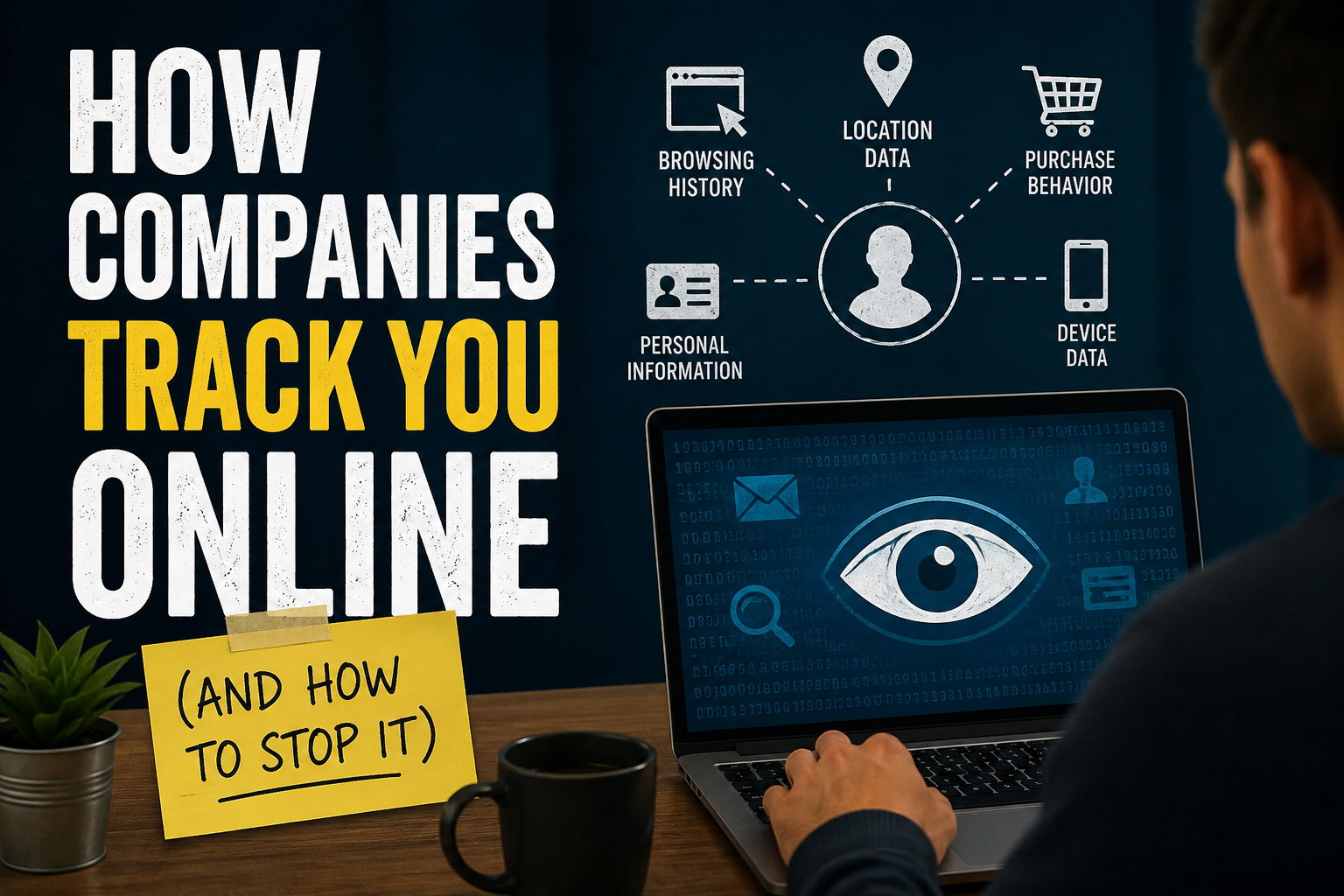
How Companies Track You Online (And How to Stop It)
Every time you open a website, search for something, watch a video, shop online, or even use a free mobile app, you leave behind small digital footprints. These footprints may include your browsing habits, location, interests, device information, shopping preferences, and online behavior. While many users believe tracking only happens through obvious actions like creating an account or making a purchase, companies often collect data quietly in the background through cookies, tracking pixels, apps, and advertising networks.
Online tracking has become a major part of the modern internet economy. Companies use collected data to personalize experiences, improve products, show targeted advertisements, and understand consumer behavior. However, the same technology that makes online experiences more convenient can also create concerns about privacy, security, and how much control users really have over their personal information.
Understanding how online tracking works is the first step toward protecting your privacy.
What Is Online Tracking?
Online tracking refers to the process of collecting and analysing information about users’ activities across the internet. Companies use different technologies to monitor how people interact with websites, applications, and digital services.
Tracking does not always mean someone is watching your screen or reading your private messages. Instead, companies usually collect data points that help them create a profile about your interests and habits. For example, if you frequently search for running shoes, visit fitness websites, and watch workout videos, advertising systems may assume you are interested in fitness products and show you related ads.
This data is valuable because it helps companies understand customers better. Businesses can use it to improve recommendations, personalize content, predict buying behavior, and optimize marketing campaigns.
Why Do Companies Track Users Online?
The biggest reason companies track users is advertising. Digital advertising works differently from traditional advertising because companies want to show the right message to the right person at the right time.
Instead of showing the same advertisement to millions of people, companies use user data to create targeted campaigns. A person searching for smartphones may see ads for phones, accessories, or mobile plans. Someone interested in travel may see hotel deals and flight promotions.
Tracking also helps companies improve user experience. Streaming platforms analyse viewing habits to recommend movies and shows. Online shopping websites study purchase history to suggest products. Social media platforms track engagement patterns to decide which posts appear in your feed.
For many free online services, user data has become the business model. Platforms provide free access while earning revenue through advertising and data-driven services.
Common Ways Companies Track You Online
Cookies: The Most Common Tracking Method
Cookies are small text files stored on your device when you visit websites. They help websites remember information such as login details, language preferences, and shopping cart items.
Not all cookies are harmful. First-party cookies, created by the website you are directly visiting, often improve functionality. For example, an online store remembering items in your cart uses cookies.
However, third-party cookies are used by advertising companies to track users across multiple websites. These cookies can help advertisers understand your online journey and build a profile based on your activities.
For years, third-party cookies were one of the biggest tools for online tracking. Due to growing privacy concerns, many browsers are now limiting their use.
Tracking Pixels
Tracking pixels are tiny invisible images or pieces of code placed on websites and emails. When a user opens a page or email containing a tracking pixel, information can be sent back to the company.
Businesses use pixels to measure advertising performance, understand customer behavior, and track whether users interact with campaigns.
For example, an online retailer may use tracking pixels to see whether someone clicked an advertisement and later purchased a product.
Browser Fingerprinting
Browser fingerprinting is a more advanced tracking technique. Instead of relying on cookies, companies collect details about your device, browser, screen size, operating system, fonts, language settings, and other technical information.
Individually, these details may not seem unique. But combined together, they can create a digital fingerprint that helps identify your device.
This method is harder to block because it does not require storing traditional tracking files on your device.
Mobile App Tracking
Many mobile apps collect information about users, sometimes beyond what is necessary for the app’s basic function. Apps may request access to location, contacts, camera, microphone, or advertising identifiers.
Location tracking is especially valuable because it allows companies to understand where users go, what places they visit, and how they interact with physical stores.
For example, location data can help businesses send nearby offers or analyze customer movement patterns.
Social Media Tracking
Social media platforms collect huge amounts of information from user activity. Every like, comment, share, follow, search, and video watched can provide insights into user preferences.
Social platforms use this information to personalize feeds, recommend content, and deliver targeted advertisements.
Even activity outside social media can sometimes be connected through tools such as social media login buttons, advertising pixels, and embedded content on websites.
What Data Do Companies Collect?
Companies can collect different types of information depending on the platform and your permissions. Common examples include:
Your browsing history, including websites visited and pages viewed.
Search activity, which reveals interests, questions, and buying intentions.
Location information from GPS, IP addresses, and mobile networks.
Device information such as phone model, operating system, and browser type.
Shopping behavior, including products viewed, purchases made, and abandoned carts.
Online interactions such as likes, comments, clicks, and video watch time.
This information can create detailed consumer profiles that help companies predict preferences and behavior.
How to Check Who Is Tracking You
Most modern browsers provide privacy tools that allow users to view and manage tracking permissions.
You can check website permissions in your browser settings to see which websites have access to cookies, location, notifications, camera, or microphone.
Many privacy-focused browser extensions can also show trackers on websites. These tools reveal how many third-party companies are collecting information while you browse.
Mobile users can review app permissions through phone settings. If an app does not need location access or microphone access for its main purpose, consider disabling those permissions.
How to Stop or Reduce Online Tracking
Completely eliminating online tracking is difficult because many digital services depend on data collection. However, users can significantly reduce tracking by changing privacy habits and settings.
Use Privacy-Focused Browsers
Some browsers focus strongly on user privacy by blocking trackers and limiting data collection. Browsers with built-in privacy protection can prevent many tracking attempts automatically.
Keeping your browser updated is also important because newer versions often include improved security and privacy features.
Manage Cookies Regularly
You can control cookies through browser settings. Blocking all cookies may affect website functionality, but regularly clearing cookies and limiting third-party cookies can reduce tracking.
Many browsers now offer options such as “block third-party cookies” or enhanced tracking protection.
Use a VPN
A VPN (Virtual Private Network) encrypts your internet connection and hides your IP address from websites and internet providers.
A VPN can improve privacy, especially when using public Wi-Fi networks. However, it does not make you completely anonymous because websites may still track you through accounts, cookies, and browser fingerprints.
Limit App Permissions
Before installing an app, check what permissions it requests. A calculator app usually does not need access to your location or contacts.
Review permissions regularly and remove access that is unnecessary.
Use Strong Privacy Settings on Social Platforms
Social media accounts often include privacy controls that allow users to manage advertising preferences, location sharing, and data usage.
Spend time reviewing these settings instead of accepting default options.
Avoid Oversharing Online
The information you voluntarily share online can also become part of your digital profile. Personal details, interests, location updates, and lifestyle information can reveal more than many users realize.
Being careful about what you post can reduce unnecessary exposure.
Are Companies Allowed to Track You?
Online tracking regulations vary by country. Many regions have introduced privacy laws requiring companies to explain data collection practices and provide users with more control.
For example, privacy regulations often require companies to disclose what data they collect, why they collect it, and how users can request deletion.
However, privacy laws cannot prevent all tracking. Users still need to understand how digital services work and make informed choices.
The Future of Online Privacy
The future of online tracking is changing quickly. As users become more concerned about privacy, technology companies are moving toward new advertising methods that rely less on traditional tracking.
Major browsers are reducing support for third-party cookies, while companies are exploring privacy-focused advertising solutions. At the same time, artificial intelligence is making data analysis more powerful, allowing companies to understand patterns from smaller amounts of information.
The challenge will be finding a balance between personalized digital experiences and user privacy.
Final Thoughts
Online tracking has become a normal part of the digital world. Companies collect data because it helps them improve services, personalize experiences, and create targeted advertising. However, users should have awareness and control over how their information is collected and used.
Simple steps like managing cookies, reviewing app permissions, using privacy tools, and being careful about online activity can greatly improve digital privacy.
The goal is not to completely disappear from the internet but to make smarter choices about what information you share and who gets access to it. In a world where data has become one of the most valuable resources, protecting your digital privacy is becoming an essential online skill.

Software Developer & Writer
Hey, I'm Diva, a developer and writer blending code and creativity. I'm driven by a deep curiosity and a relentless pursuit of excellence. Join me as I craft digital solutions and captivating stories.




Leave A Comment