
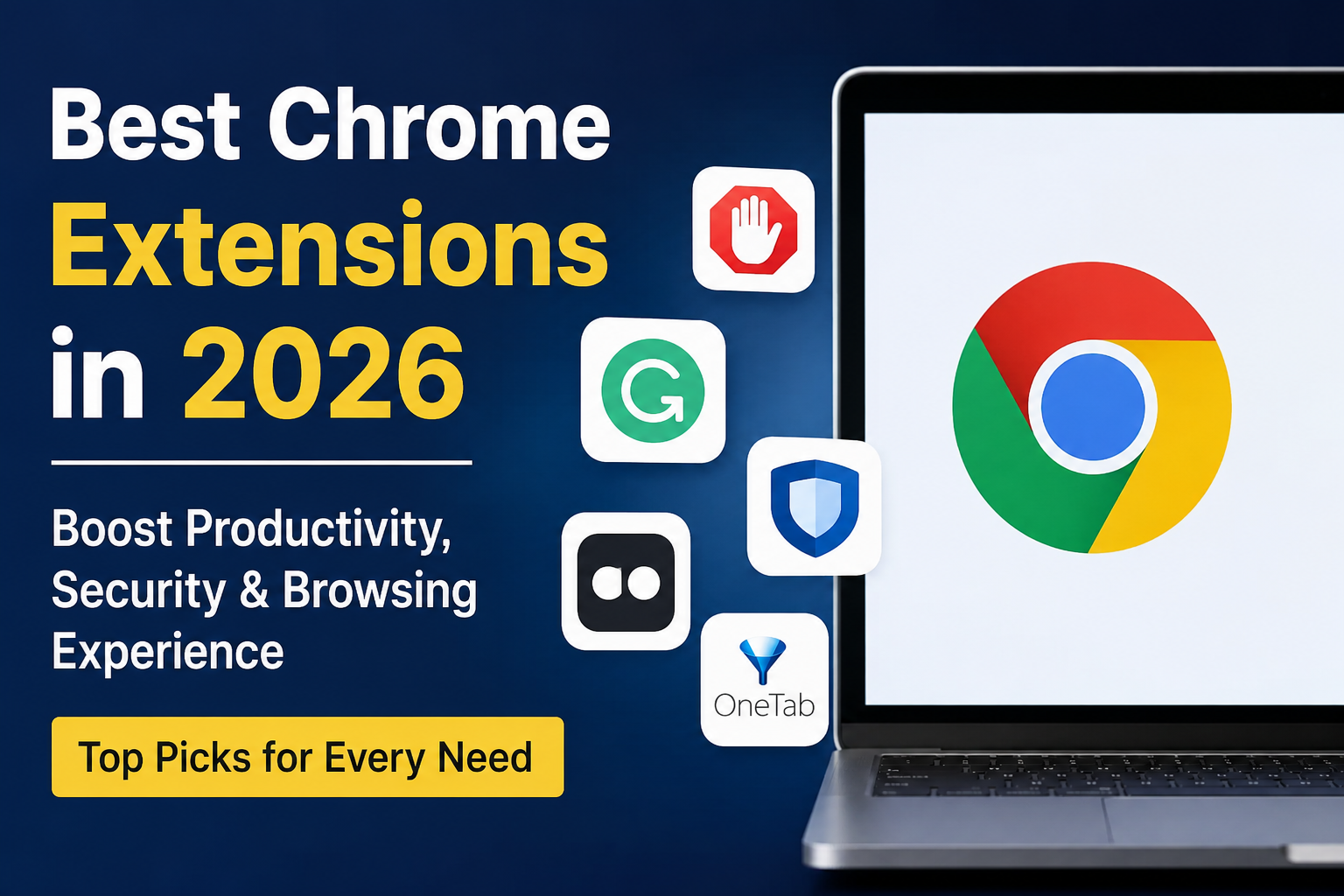
Best Chrome Extensions to Boost Productivity, Security, and Browsing Experience in 2026
Whether you’re a student, professional, marketer, developer, or casual internet user, the right Chrome extensions can significantly improve your browsing experience. From blocking distractions and managing passwords to enhancing AI-powered workflows, Chrome extensions save time and make daily tasks easier. However, with thousands of extensions available on the Chrome Web Store, choosing the right ones can be overwhelming.
This guide covers the best Chrome extensions across different categories, highlighting their key features, benefits, and ideal use cases. These extensions are trusted by millions of users and can help you work smarter, browse securely, and stay organized.
If you frequently write emails, blogs, reports, or social media posts, Grammarly is one of the most valuable Chrome extensions you can install. It checks grammar, spelling, punctuation, tone, and sentence clarity in real time while you type across websites.
The extension also offers AI-powered writing suggestions, making it useful for professionals, students, marketers, and content creators. Whether you’re writing a LinkedIn post or a business proposal, Grammarly helps produce polished and professional content with minimal effort.
Key Features:
Online advertisements, trackers, and pop-ups can slow down browsing and compromise privacy. uBlock Origin is a lightweight yet powerful ad blocker that removes intrusive ads while improving page loading speed.
Unlike many ad blockers, uBlock Origin consumes very little memory and gives users complete control over filtering options. It is an excellent choice for anyone looking for a faster and cleaner browsing experience.
Key Features:
Managing dozens of passwords manually is both inconvenient and insecure. Bitwarden securely stores passwords, generates strong credentials, and automatically fills login forms across websites.
The extension uses end-to-end encryption, ensuring your sensitive information remains protected. Since it syncs across multiple devices, users can securely access their passwords anywhere.
Key Features:
Momentum transforms Chrome’s default new tab into a beautiful productivity dashboard featuring inspirational quotes, weather updates, daily goals, and a customizable to-do list.
Instead of opening a blank browser tab, users see a clean workspace designed to encourage focus and reduce distractions throughout the day.
Key Features:
Many websites still lack an official dark mode, making nighttime browsing uncomfortable. Dark Reader solves this problem by enabling dark mode on nearly every website without compromising readability.
Users can customize brightness, contrast, fonts, and color settings to create a more comfortable viewing experience, especially during long browsing sessions.
Key Features:
Honey automatically searches and applies coupon codes while shopping online, helping users save money without manually searching for discounts.
The extension also tracks product prices and notifies users when prices drop, making it an excellent tool for frequent online shoppers.
Key Features:
Loom simplifies communication by allowing users to record their screen, webcam, or both with a single click. It is widely used by remote teams, educators, customer support professionals, and marketers.
Instead of writing lengthy explanations, users can create quick video tutorials or walkthroughs and instantly share them via a link.
Key Features:
LanguageTool is an excellent alternative to Grammarly that supports multiple languages while providing advanced grammar, punctuation, and style suggestions.
Its multilingual support makes it particularly useful for international users and businesses working across different markets.
Key Features:
Opening dozens of browser tabs often slows down Chrome and creates unnecessary clutter. OneTab converts all open tabs into a single organized list that can be restored at any time.
This simple extension reduces memory usage while helping users stay organized during research or multitasking sessions.
Key Features:
Interesting articles often appear when there’s no time to read them. Pocket lets users save articles, videos, and web pages for later viewing across multiple devices.
The clean reading interface removes distractions, making it easier to focus on the content.
Key Features:
Google Translate eliminates language barriers by translating entire web pages or selected text with a single click.
Whether you’re researching international websites or communicating with global audiences, the extension makes multilingual browsing effortless.
Key Features:
ColorZilla is a must-have extension for web designers, UI/UX professionals, and digital marketers. It allows users to identify any color on a webpage instantly and copy its HEX, RGB, or CSS values.
The extension also includes advanced color analysis tools useful for design projects.
Key Features:
Marketers, SEO professionals, and business analysts rely on Similarweb to estimate website traffic, engagement metrics, audience demographics, and traffic sources.
It provides valuable competitive insights without leaving the browser.
Key Features:
Wappalyzer identifies the technologies used to build any website, including content management systems, analytics platforms, hosting providers, JavaScript frameworks, and marketing tools.
Developers, agencies, and marketers use it for competitor research and technology analysis.
Key Features:
StayFocusd helps users overcome digital distractions by limiting the amount of time they can spend on distracting websites such as social media or entertainment platforms.
Once the daily time limit is reached, the extension blocks access until the following day, encouraging better work habits.
Key Features:
How to Choose the Best Chrome Extension
Not every extension is suitable for every user. Students may benefit from grammar checkers and note-taking tools, while professionals often prioritize password managers, productivity dashboards, and AI writing assistants. Designers typically need color pickers and screenshot tools, whereas SEO specialists rely on analytics and website research extensions.
Before installing any extension, consider its permissions, developer reputation, user reviews, update frequency, and privacy policy. Installing only trusted extensions helps maintain browser security and performance.
Final Thoughts
The best Chrome extensions are those that genuinely improve your workflow without slowing down your browser. Productivity tools like Grammarly, OneTab, and StayFocusd help users stay organized, while security-focused extensions such as Bitwarden and uBlock Origin provide safer browsing. Shopping tools like Honey save money, and professional utilities like Similarweb and Wappalyzer offer valuable business insights.
Rather than installing dozens of extensions, choose a small collection that matches your daily needs. A well-curated browser setup can improve productivity, enhance security, and create a faster, more enjoyable browsing experience.

Software Developer & Writer
Hey, I'm Diva, a developer and writer blending code and creativity. I'm driven by a deep curiosity and a relentless pursuit of excellence. Join me as I craft digital solutions and captivating stories.


Leave A Comment